
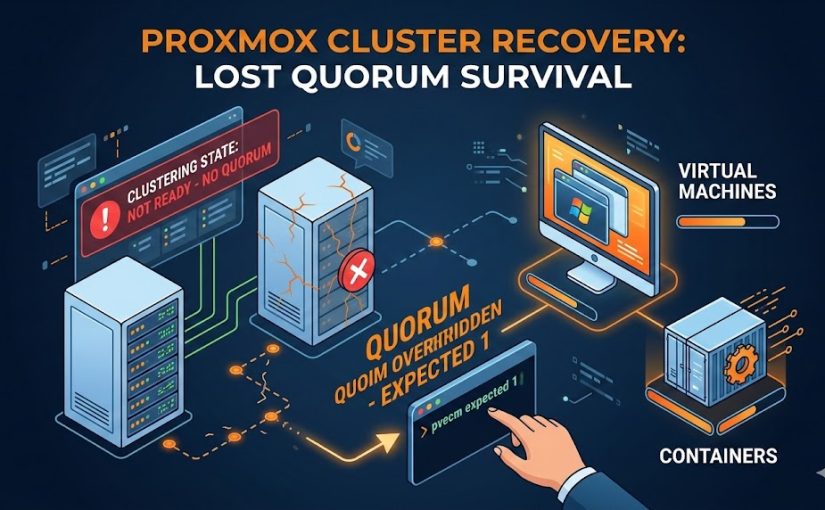
In a perfect world, your Proxmox cluster always has an odd number of nodes, and everyone is talking to each other. In the real world, power outages happen, a NIC dies, or a 3-node cluster suddenly becomes a 1-node island of despair.
When this happens, you’ll see the dreaded “cluster not ready – no quorum” error. Your Web GUI becomes read-only, and you can’t start, stop, or move your VMs and containers. Here is how to force your way back into control when the majority is gone.
1. Understanding the Quorum Problem
Proxmox uses Corosync to maintain a “quorum”—a majority vote (50% + 1) that ensures all nodes agree on the state of the cluster. This prevents “split-brain” scenarios where two nodes might try to write to the same shared disk simultaneously, leading to data corruption.
- 3 Nodes: Need 2 online to work.
- 2 Nodes: Need both online. If one goes down, the remaining one has only 50% of the votes—meaning it loses quorum.
2. The Quick Fix: pvecm expected 1
If you are down to one or two hosts and just need to get your services back online immediately, you can manually override the vote requirement.
- SSH into the surviving node.
- Run the following command:
pvecm expected 1
This tells the cluster: “Ignore the missing nodes; I am the only one that matters right now.”
- Check the status:
pvecm statusYou should now see Quorate: Yes. Your Web GUI will become responsive, and you can start your VMs.
Warning: This is a temporary fix. If the surviving node reboots, it will lose quorum again unless it can see its peers.
3. How to Start Guests Despite Missing Quorum
Sometimes, Corosync is so broken that even pvecm won’t respond. If you absolutely must start a VM or Container (LXC) while the cluster filesystem (/etc/pve) is read-only, you can use the local mode “hack”:
For Virtual Machines (VMs):
# Force start a VM (replace 100 with your VM ID)
pmxcfs -l
qm start 100
For Containers (LXC):
# Force start a Container (replace 200 with your CT ID)
pmxcfs -l
pct start 200
The pmxcfs -l command forces the Proxmox Cluster File System into local mode, bypassing the quorum requirement for the configuration files.
4. Long-Term Recovery: Removing Dead Nodes
If the other hosts are gone forever (hardware failure), you need to permanently shrink the cluster so the remaining nodes don’t keep looking for “ghosts.”
- Set the expected votes (as shown above):
pvecm expected 1. - Identify the dead node name:
pvecm nodes. - Delete the dead node:
pvecm delnode [NODE_NAME]Caution: Never power on a node after you have deleted it from the cluster. If it wakes up and tries to talk to the cluster with its old configuration, it can cause severe conflicts. You must reinstall Proxmox on that node before rejoining it.
5. Preventing This: The QDevice Solution
To avoid this in the future without buying a full third server, use a QDevice. A QDevice is a lightweight service that provides a “tie-breaker” vote. You can run it on a Raspberry Pi, a small VM on a different system, or even a cheap cloud VPS.
To set it up (from a quorate node):
# Install the tool
apt update && apt install corosync-qdevice

# Add the external device (e.g., a Raspberry Pi at 192.168.1.50)
pvecm qdevice setup 192.168.1.50
This transforms a fragile 2-node cluster into a stable 2-node + 1-voter configuration, allowing either node to fail without losing quorum.