
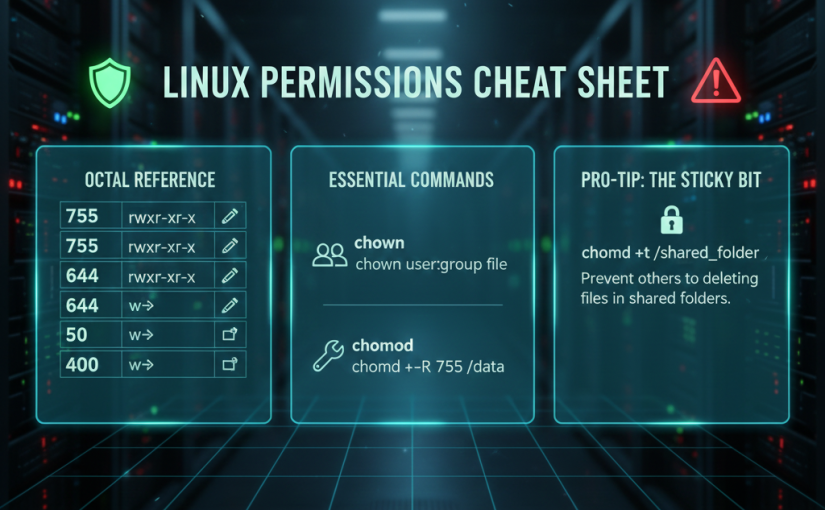
This cheat sheet focuses on the most common permission sets you’ll encounter when managing Linux systems, backups, and hypervisors.
The Octal (Numeric) Reference
Each permission has a value: Read (4), Write (2), and Execute (1).
| Code | Meaning | Typical Use Case |
| 777 | rwxrwxrwx | Danger! Everyone can do everything. Avoid in production. |
| 755 | rwxr-xr-x | Standard for directories and executable scripts. |
| 700 | rwx------ | Private directories or scripts only for the owner. |
| 664 | rw-rw-r-- | Shared files where the group can also edit. |
| 644 | rw-r--r-- | Standard for regular files (Config files, HTML). |
| 600 | rw------- | Sensitive files (SSH keys, backup credentials). |
| 400 | r-------- | Read-only for owner; maximum security for keys. |
Essential Ownership Commands (chown)
| Command | Action |
chown user file | Change the owner of a file. |
chown user:group file | Change both owner and group. |
chown -R user:group dir | Recursive: Change owner/group for a folder and everything inside. |
Essential Permission Commands (chmod)
| Command | Action |
chmod +x script.sh | Make a script executable for everyone. |
chmod u+x script.sh | Make a script executable for the owner only. |
chmod -R 755 /data | Apply 755 to a directory and all its contents. |
chmod 444 config.ini | Make a file read-only for everyone (even the owner). |
Pro-Tip: The Sticky Bit
When managing shared folders (like a common backup landing zone), you might want users to add files but prevent them from deleting each other’s work.
- Command:
chmod +t /shared_folder - Result: Only the file owner or root can delete or rename the files within that directory.