
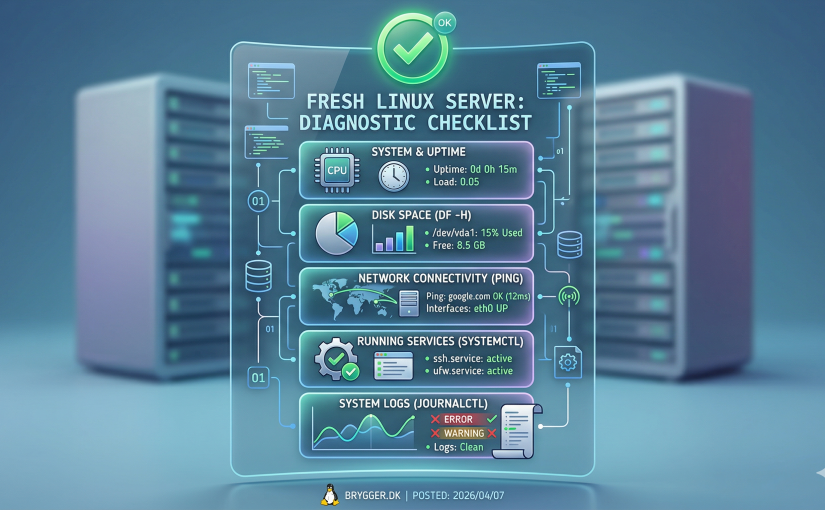
When I bring a fresh Linux server online, I like to run a few quick checks before I start installing services. It does not take long, but it can save a lot of confusion later if something is misconfigured from the start.
This is not meant to be a full hardening guide. It is simply a practical first-pass checklist that helps confirm the server is healthy, reachable, and ready for real work.
1. Confirm the OS and kernel
The first thing I check is exactly what I am running:
cat /etc/os-release
uname -a
That tells me the distribution, release version, and kernel. It sounds obvious, but it is surprisingly easy to forget what image or template was used when you are spinning up multiple systems.
2. Verify network identity
Next, I confirm hostname, IP addresses, and DNS resolution:
hostnamectl
ip addr
ip route
resolvectl status
I want to know:
- does the hostname make sense?
- does the server have the expected IP?
- is the default gateway correct?
- are DNS servers configured properly?
If those basics are wrong, everything that comes after becomes harder to troubleshoot.
3. Check time and time sync
Accurate time matters more than people think. TLS, logs, monitoring, cron jobs, and clustered systems all behave better when time is correct.
timedatectlMake sure the timezone is what you expect and that NTP synchronization is active.
4. Review listening ports
Before adding more software, I like to see what is already listening:
ss -ltnupThis gives a quick overview of exposed TCP and UDP services. On a minimal server, the list should usually be short. If something unexpected is already bound to `0.0.0.0`, I want to know immediately.
5. Check firewall state
If a firewall is installed, confirm its current policy before exposing anything:
ufw status verboseOr on systems using nftables:
nft list rulesetMy preference is simple: deny by default on incoming traffic, allow only what is necessary, and keep the rule set easy to understand.
6. Review disk, memory, and swap
Basic resource checks help catch undersized systems or odd templates:
df -h
free -h
swapon --show
I especially want to know:
- how much space is really available?
- is swap configured?
- does memory look reasonable for the role of the server?
7. Check update status
A fresh server is not really fresh if it is already behind on security updates.
On Debian/Ubuntu:
apt update
apt list --upgradable
On Alpine:
apk update
apk version -l '<'
Even if I am not ready to patch immediately, I want visibility.
8. Verify SSH access and authentication choices
Before I rely on the server, I confirm SSH is behaving as expected:
sshd -T | lessThings worth reviewing:
- password authentication vs key-only
- root login policy
- allowed authentication methods
- idle timeout settings
You do not need to overcomplicate this, but you should know what the defaults are.
Final thoughts
These checks are simple, but they give a fast picture of the server’s state. I find that spending five or ten minutes here makes later setup cleaner, especially on hosts that will run Docker, self-hosted apps, reverse proxies, or monitoring tools.
A calm start usually leads to a more stable server.