
Ever wondered why your system feels sluggish, especially when dealing with disk-intensive tasks? Or perhaps you’re a system administrator trying to pinpoint a storage bottleneck. Look no further than the iostat command, a powerful utility available on most Linux and Unix-like systems that provides invaluable insights into your disk I/O performance.
Author: kaby
Decoding System Health: Your Guide to the vmstat Linux Command
Is your Linux server feeling sluggish? Are applications taking longer to respond? Before you start tweaking obscure kernel parameters, one of the first places to look for clues is the vmstat command. Short for “virtual memory statistics,” vmstat is a powerful, built-in Linux utility that provides a quick, holistic view of your system’s performance, encompassing CPU, memory, I/O, and process activity.
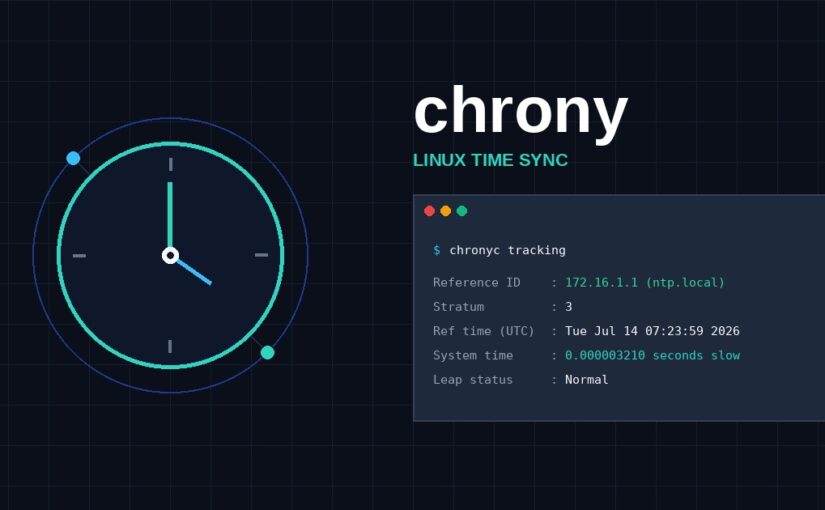
Keep Your Systems in Perfect Sync with Chrony NTP Service
In the world of computing, accurate timekeeping isn’t just a nicety – it’s a necessity. From log file correlation to secure communication protocols, precise time synchronization is critical for the reliable operation of virtually all IT systems. This is where Network Time Protocol (NTP) comes in, and one of the most modern and robust NTP clients/servers available is chrony.